

Making IT Effortless
Making IT Effortless
Stop Dreading Software Updates: The Essential Guide to Patch Management for SMBs
Software updates always seem to hit at the worst moment. Here is why that happens, why ignoring updates is genuinely dangerous, and how smart patch management makes the whole problem disappear.
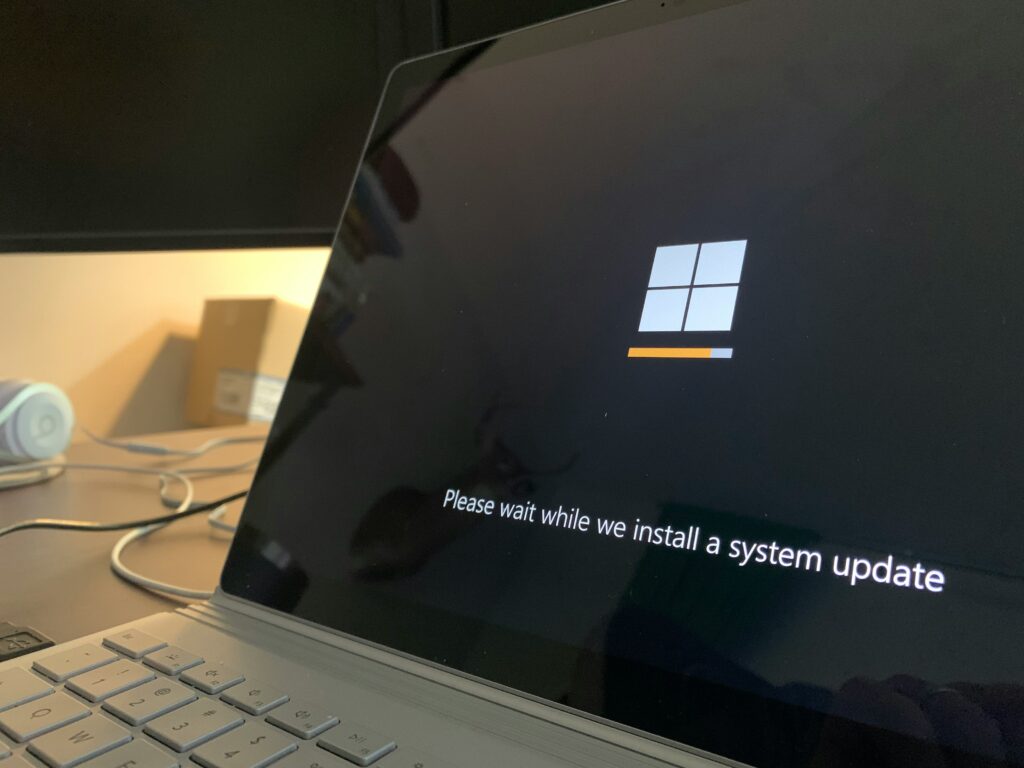
It is 9:00 AM. You have a client presentation in twenty minutes. You open your laptop and are greeted with the words: “Windows needs to restart to finish installing updates.” Sound familiar? For most employees, software updates feel like they are specifically designed to strike at the worst possible moment. But here is the thing: if updates are interrupting your workday, that is not bad luck. It is a sign that your business has no proper patch management strategy in place.
In this post we look at why updates feel so disruptive, what the real risks are of ignoring them, and how smart update management ensures your team barely notices them at all.
Why Updates Feel So Disruptive
Updates feel intrusive because, in most unmanaged environments, they are. Windows decides it is ready to install, prompts the user, gets ignored, and eventually forces a restart at whatever moment it can. The user has no control, IT has no visibility, and the business has no consistency.
This is the default experience for businesses without a patch management solution. Every device updates on its own schedule, every user dismisses prompts differently, and some machines end up weeks or months behind on critical security patches without anyone realising it.
Why Software Updates Actually Matter
Before we get into how to fix the problem, it is worth understanding why updates exist in the first place. Software updates serve three main purposes:
- Security patches: Fixing vulnerabilities that hackers could exploit to access your systems
- Bug fixes: Resolving issues that cause crashes, slowdowns, or unexpected behaviour
- Feature improvements: Adding new functionality or improving performance
Of these three, security patches are by far the most critical. According to the Verizon Data Breach Investigations Report, a significant proportion of successful cyberattacks exploit known vulnerabilities for which patches were already available. In other words, many breaches could have been prevented simply by keeping software up to date. Our post on 5 ways hackers target small businesses covers this in more detail.
The Real Cost of Unmanaged Updates
Letting updates happen randomly, or worse, letting users postpone them indefinitely, creates serious problems:
- Security gaps: Unpatched devices are an open door for attackers
- Compliance risks: Many industry standards and regulations require systems to be kept up to date
- Inconsistency: Different software versions across devices cause compatibility issues and make IT support harder
- Unexpected downtime: A forced restart during a critical moment is disruptive; a planned one during off-hours is not
What Good Patch Management Actually Looks Like
Proper patch management means your IT team, or IT partner, controls when and how updates are deployed across every device in your organisation. Instead of Windows deciding to restart your laptop at 9 AM, updates are tested, scheduled, and rolled out during times that minimise disruption.
Here is what a well-run patch management process covers:
Centralised Visibility
IT administrators can see the patch status of every device in the organisation from a single dashboard. No more guessing which machines are up to date and which are three months behind.
Scheduled Deployment
Updates are pushed outside of business hours, typically overnight or during weekends. Employees come in the next morning to a fully updated device without ever having been interrupted.
Enforced Restart Policies
If a device needs a restart to complete an update, users receive a clear notification with a deadline. They can choose when to restart within a defined window, for example within 24 or 48 hours, but they cannot postpone indefinitely. This balances flexibility with compliance.
Testing Before Deployment
Critical updates are tested on a small group of devices before being rolled out to the entire organisation. This catches the rare cases where an update causes unexpected issues before they affect everyone.
Reporting and Audit Trails
Every update deployment is logged, giving IT teams and business owners a clear record of patch compliance. This is particularly valuable for businesses with regulatory requirements.
The Tools That Make This Possible
Enterprise-grade patch management used to require expensive infrastructure and a dedicated IT team. That is no longer the case. Modern solutions make professional update management accessible even for businesses with just a handful of devices.
Microsoft Intune, included in higher-tier Microsoft 365 plans, provides powerful device and update management capabilities for Windows, iOS, Android, and macOS devices. Administrators can define update rings, set deadlines, and monitor compliance across the entire device fleet from a web-based dashboard.
NinjaRMM and similar Remote Monitoring and Management (RMM) platforms go even further, covering third-party application updates alongside operating system patches. This means not just Windows updates, but also Chrome, Adobe, Zoom, and dozens of other common business applications, all managed centrally and deployed automatically.
At EvolvingDesk, we use these tools to manage updates for our clients as part of our managed IT service. The result is that most of our clients genuinely cannot remember the last time an update interrupted their workday, because updates simply happen in the background without bothering anyone.
For businesses already running Microsoft 365, Intune is a natural starting point. If you have not yet consolidated your IT environment around Microsoft 365, our post on Microsoft 365 vs Google Workspace explains why it is the right foundation for most SMBs.
Even Small Businesses Benefit Enormously
A common misconception is that patch management is only relevant for larger organisations with hundreds of devices. In reality, small businesses benefit just as much, often more, because they typically have less IT resource to deal with the fallout when something goes wrong.
A single unpatched device in a ten-person company can be the entry point for a ransomware attack that takes the entire business offline. The cost of recovering from that, in downtime, data loss, and reputational damage, vastly outweighs the cost of proper update management. According to the ENISA Threat Landscape report, ransomware remains one of the top threats facing small and medium-sized businesses across Europe.
What to Do If Updates Are Currently Out of Control
If your business does not have a patch management process in place, here is where to start:
- Audit your current state: Find out which devices are running outdated software. This alone is often a wake-up call.
- Enable automatic updates as a minimum: If you are not ready for a full solution, at least ensure automatic updates are turned on across all devices.
- Set clear expectations with your team: Communicate that updates are non-negotiable and explain the restart policy.
- Consider a managed IT partner: For most SMBs, outsourcing patch management to an IT partner is the most cost-effective way to get it right without hiring dedicated IT staff.
The goal is a workplace where updates are invisible to users and fully visible to IT. That is entirely achievable, even for the smallest businesses.
Stop Letting Updates Surprise You
Software updates do not have to be disruptive. With the right patch management approach, your team will stop dreading that restart notification because it will already have happened overnight, silently, without interrupting anyone’s day.
If you want to take control of updates across your business, get in touch with EvolvingDesk. We will set up a patch management process that keeps your devices secure, compliant, and out of your team’s way.
Meer lezen
Veelgestelde vragen
Why do software updates always happen at inconvenient times?
Without a patch management solution, updates are controlled by the operating system itself, which installs and restarts devices based on its own schedule. Proper patch management gives IT administrators control over when updates are deployed, typically scheduling them overnight or during weekends.
Is it safe to postpone or skip software updates?
No. Security patches fix vulnerabilities that attackers actively exploit. Delaying or skipping updates leaves your devices exposed to known threats. Many successful cyberattacks target systems running outdated software that had available patches.
What is patch management?
Patch management is the process of centrally managing, scheduling, and deploying software updates across all devices in an organisation. It ensures devices stay up to date without disrupting users, and gives IT teams visibility into the patch status of every machine.
What tools are used for patch management in small businesses?
Common tools include Microsoft Intune, which is included in higher Microsoft 365 plans, and RMM platforms like NinjaRMM. These allow IT administrators to schedule updates, enforce restart policies, and monitor patch compliance across all devices from a central dashboard.
How do you enforce software updates without annoying employees?
The best approach is to deploy updates automatically outside business hours, so employees are never interrupted. If a restart is required, users receive a notification with a deadline, giving them flexibility to choose when to restart within an acceptable window, such as 24 or 48 hours.
Did this article spark some ideas?
Find out what we can do for you, schedule a call today.
About EvolvingDesk: Making IT Effortless
We turn complex IT into simple, effective solutions for your business. Whether it’s cloud services, custom applications, or network management, EvolvingDesk combines the latest technology with personal service, so your business stays secure, connected, and ready for growth. IT made simple, just the way it should be.
What do we do?
At EvolvingDesk, we provide practical IT solutions that fit the way your business works. From tailored software and reliable business WiFi to smart surveillance and hands-on support, we make sure your technology runs smoothly, so you can stay focused on your goals.